How to Use AI Tools to 10x Your Freelance Output Without Losing Quality
Over 90% of Indian professionals have already started using generative AI at work, and freelancers who use it well aren’t replacing their skill with it — they’re using it to eliminate the slow, repetitive parts of their job so they can spend more time on the parts a client is actually paying for. Here’s how to do that without your work starting to sound and look like everyone else’s.
Where AI Genuinely Saves Time
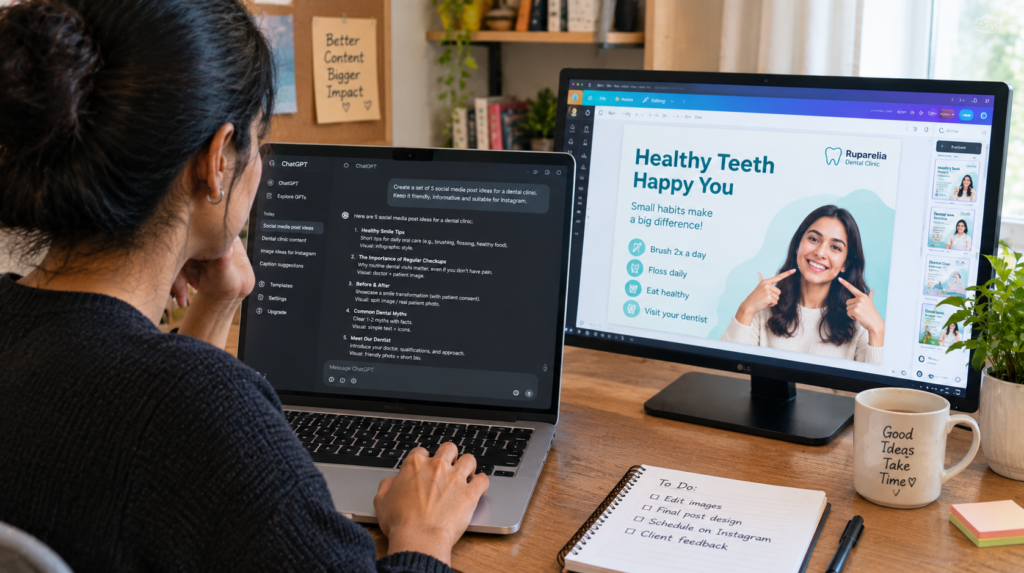
- First drafts and outlines — getting from a blank page to something you can edit, faster
- Research summarisation — condensing long source material before you write your own analysis
- Repetitive formatting and production tasks — resizing images, restructuring data, generating boilerplate code
- Brainstorming variations — headline options, design directions, alternate approaches to compare
Where It Quietly Hurts Your Work
AI-generated first drafts tend toward generic phrasing and safe, average ideas — useful as a starting point, risky as a finished product. If you publish AI output with minimal editing, your work starts to read like everyone else using the same tools the same way, which is exactly the opposite of what makes a freelancer worth hiring over a template.
Clients increasingly notice this too. The freelancers earning a premium in 2026 aren’t the ones using AI the most — they’re the ones whose final output still clearly reflects their own judgment, voice, and quality control on top of it.
A Simple Rule of Thumb
Use AI for the first 40% of a task (research, structure, a rough draft) and put your own expertise into the final 60% (accuracy checks, your actual point of view, the specific details a generic tool couldn’t know about your client’s situation). If a client could get an equally good result by prompting the same tool themselves, you haven’t added enough value on top of it.
Tools Worth Learning, By Category
For writing and research: general-purpose AI assistants for drafts and summarisation. For design: AI-assisted tools inside platforms like Canva for quick variations. For data and spreadsheets: AI features inside spreadsheet tools for formula help and pattern-finding. Rather than chasing every new tool, get genuinely fast with two or three that map directly onto your actual client work.
Frequently Asked Questions
Will using AI tools make me a less valuable freelancer?
Not if you use them to speed up the repetitive parts of your work while your own judgment and quality control shape the final output. It becomes a problem only when the client could get the same result by prompting the tool directly.
Should I tell clients I use AI tools in my work?
Many freelancers are transparent about using AI for drafts or research while being clear that final quality control and expertise are their own — this builds trust rather than undermining it, and some clients now expect it.
Which skill matters more now: using AI tools, or my core skill?
Your core skill still matters more — AI tools are a multiplier on existing expertise, not a replacement for it. A skilled freelancer using AI well outperforms someone using AI to compensate for a skill they don’t actually have.